Stop Typing Prompts: Unmixr AI Studio Voices Respond to Natural Language Instruction
The world of Text-to-Speech (TTS) has historically demanded precision, forcing creators to fiddle with sliders for pitch and speed to achieve a desired emotion. But what if you could simply tell the AI voice how to speak, just as you would direct a professional actor?
Unmixr AI is revolutionizing voice generation with the launch of its enhanced Studio Voices, built to understand and execute natural language instructions. This isn't just synthesis; it's true vocal direction, empowering you to create the most human-like, expressive voiceovers with unprecedented ease.
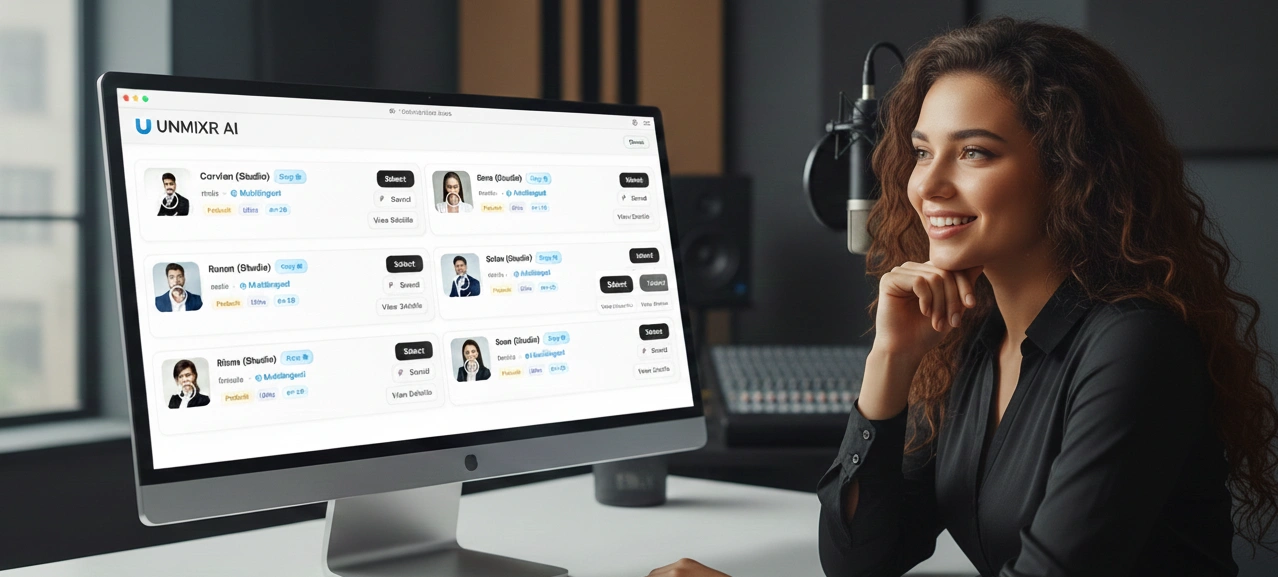
🧠 The Future of Voice: LLM-Powered Human Expression
The secret to Unmixr’s superior quality lies in its architecture. Our Studio Voices are powered by cutting-edge Large Language Models (LLMs), which move beyond simple phonetic conversion.
Traditional AI voices operate on basic rules; LLM-powered voices understand context, intent, and subtle emotional cues within your script. The result is the most natural and human-like expression available on the market, free from the monotone sound often associated with synthetic speech. This breakthrough ensures your audience is engaged, not distracted, by your narration.
🗣️ Directing Your Voice with Natural Language Instructions
The biggest bottleneck in AI voice production—the lack of nuanced control—is now solved. With Unmixr, you no longer have to guess what settings produce the right tone.
Instead, you utilize the Model Speech Instructions panel in the Timeline Studio to provide simple, human-readable directives:
- "Read this section with a warm, inspirational tone, emphasizing the final word."
- "Use a fast, excited pace suitable for a commercial, then drop to a calm, instructional delivery for the last paragraph."
- "Speak slowly and gravely, like a wildlife documentary narrator."
This natural language instruction capability transforms you from an engineer into a voice director, allowing you to instantly achieve complex, emotional performances that perfectly match your visual content. You can even see the word count (e.g., 41 words) and estimated duration (e.g., 14s) right in the Script Editor before generating your clip.
🗄️ Find Your Sound: Explore 493 Built-in Styles and Presets
To give you an instant jumpstart, Unmixr AI offers a vast Model Instructions Library containing 493 system instructions.
Whether you need a "Podcast Host – Warm & Engaging", a "YouTube Narrator – Clear & Energetic", or a "Documentary Narrator – Deep & Cinematic", the perfect starting point is always within reach.
Save and Scale with Custom Instruction Presets
For brands and large projects, consistency is key. The library allows you to browse system, custom, and saved instruction sets. Once you have perfected a voice style using your natural language instructions, you can save the reusable prompts to keep your TTS output consistent and on-brand across all projects. You have the power to create new instructions, or save system instructions for later use.
✨ Transforming Content Creation: Key Use Cases
The power of natural language voice direction makes Unmixr Studio Voices ideal for any creator:
Content TypeIdeal Instruction Preset (Example)BenefitDocumentariesDocumentary Narrator – Deep & CinematicElevates professional and emotional depth of storytelling.Marketing VideosYouTube Narrator – Clear & EnergeticCaptures viewer attention immediately for high-impact ads.E-LearningClear, patient, and instructional tone.Improves learner retention and reduces listening fatigue.AudiobooksAudiobook Storyteller – Immersive & EmotionalProvides an immersive and enjoyable listening experience.
Command Your Content, Naturally
The launch of Unmixr Studio Voices marks the end of complex interfaces for AI voice generation. By harnessing LLM technology and enabling natural language instruction, we’ve put unmatched control and studio-quality results directly into your hands.
Stop fighting with sliders and start directing your voiceovers.