How do I convert a PowerPoint to video with AI narration?
expand_more
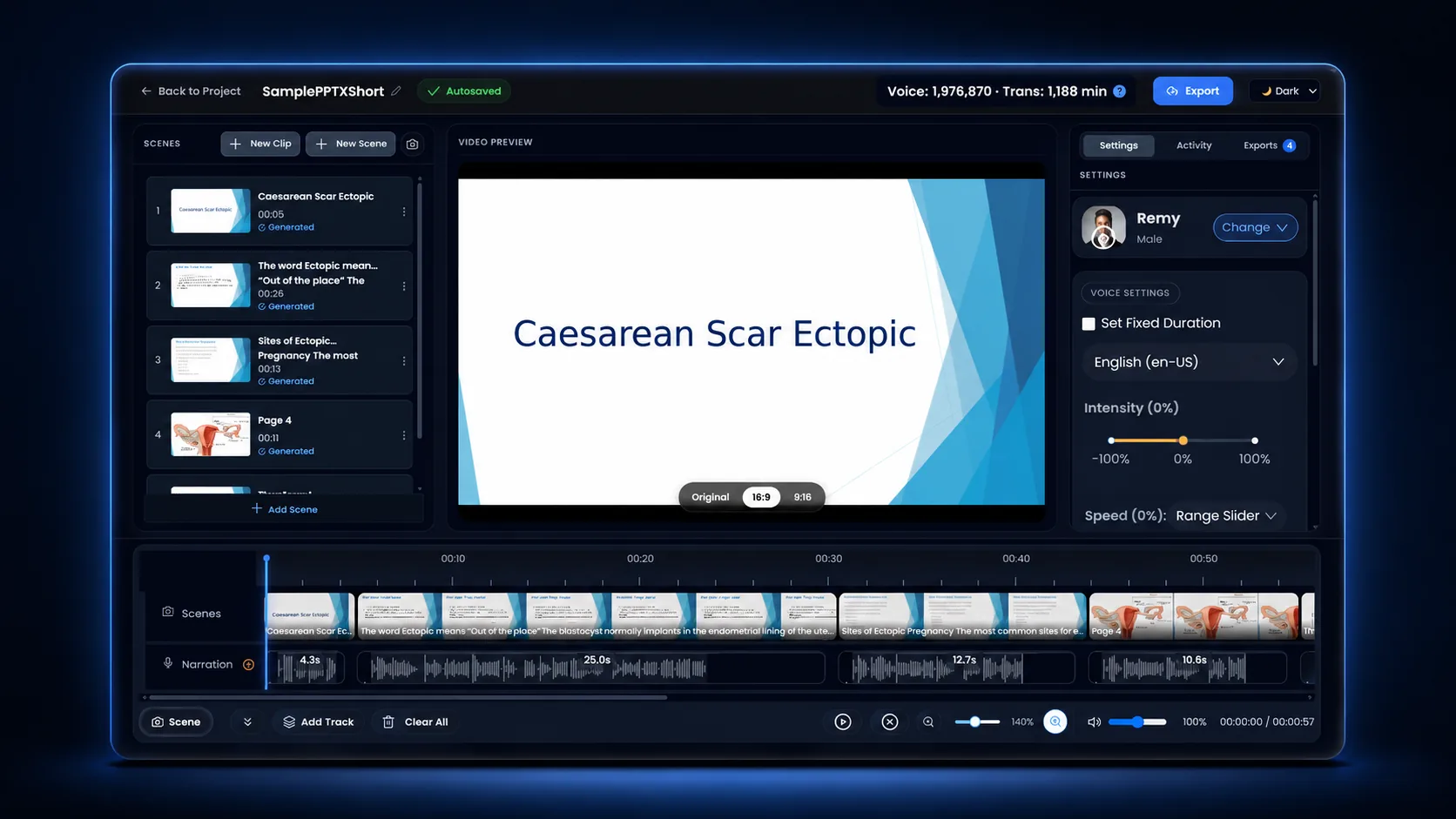
Upload the .pptx (or .ppt / .pdf) to Unmixr, choose an AI narrator, review the per-slide script, and export. Unmixr splits the deck into one scene per slide, turns the slide text and speaker notes into narration, syncs the voice to each slide, and renders an MP4 with captions and a transcript. A 10-slide deck is typically ready in a couple of minutes.
Can I convert PPT to MP4 for free?
expand_more
Yes. A free Unmixr account converts PowerPoint decks to MP4 with no card required. Free exports are capped at 3 minutes and carry a short Unmixr watermark; paid plans remove both and render longer decks. You can play the narration in the studio before exporting, so nothing is spent on a video you have not heard first.
What is the difference between PowerPoint's built-in Export to Video and Unmixr?
expand_more
PowerPoint's File → Export → Create a Video only packages what is already in the file: your slide timings and any narration you recorded yourself. Unmixr generates the narration. It reads the slide text and speaker notes, voices them with a realistic AI narrator, syncs the audio to each slide, and adds captions and a transcript — in a browser, with no PowerPoint install and no microphone.
Does Unmixr use my speaker notes?
expand_more
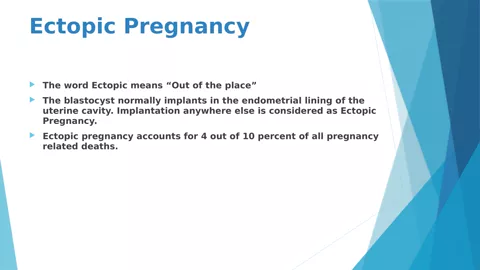
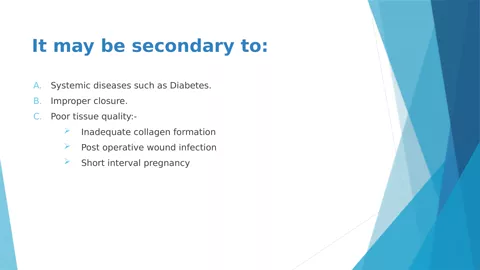
Yes. When a slide has speaker notes, they become that slide's narration; when it does not, the slide text is used instead. Every line is editable in Scene Studio before you render, so you can rewrite a slide without touching the PowerPoint file.
Do I need PowerPoint installed to convert a deck?
expand_more
No. Unmixr runs in the browser and converts the file on its own servers, so it works on Windows, Mac, Linux, and Chromebooks. Decks made in Google Slides or Keynote work too — export them as .pptx or .pdf first.
What file formats can I convert to video?
expand_more
For a narrated
video, upload PowerPoint (.pptx, .ppt), PDF (.pdf), or Word (.docx) — anything with visual pages. PowerPoint and PDF are split into one scene per slide or page automatically. For narrated
audio, you can also upload a plain-text script (.txt), Markdown (.md), or HTML (.html), or paste a script straight into the wizard; those have nothing to show on screen, so they produce a voiced lesson rather than a video. See
supported file formats for the full breakdown.
Can I choose different AI voices?
expand_more
Yes. Pick a realistic AI voice for any use case in 100+ languages, and assign a different voice to individual slides in Scene Studio if a deck needs more than one narrator.
Can I edit the video after it is generated?
expand_more
Yes. The generated video opens in Scene Studio, where you can rewrite a line, retime a slide, swap the voice, or add background music, then export again.
Are PowerPoint animations and transitions preserved?
expand_more
No. Each slide is rendered as a high-quality still image and timed to the narration, so PowerPoint's own animations and transitions are not carried over. Slide-by-slide timing, background music, and the voice for each scene can all be adjusted in Scene Studio.
How long does the conversion take?
expand_more
A typical 10-slide presentation takes about 1–2 minutes to process, narrate, and assemble into a video project. Longer decks scale roughly with slide count, and the render runs in the background so you can keep working.
Can I add captions, a transcript, or background music?
expand_more
Yes to all three. Every project exports SRT/VTT captions and a transcript alongside the MP4, and Scene Studio includes a library of royalty-free background music you can place under the narration.
Can I translate the narrated video into other languages?
expand_more
Yes. Choose a narrator in 100+ languages for the first version, then take the finished video through
Course Localization to dub it with subtitles — one deck, several language versions.
No questions matched your search.