
E-learning voiceover
AI Voiceover for E-Learning
One instructor voice for every lesson, module, and knowledge check in your course library.
Turn lesson scripts and slide decks into narrated modules with captions, transcripts, and versions in 100+ languages — then update any line without booking another recording session.
- 100+ languages
- Captions and transcripts included
- Free trial, cancel anytime

Fire safety is everyone’s job.
Try it free
Hear your training script in a Studio voice
Paste a line from a module and hear how it lands with learners. No signup.
Voice
-
 Lyra (Studio)
-
 Miko (Studio)
-
 Draven (Studio)
-
 Elara (Studio)
-
 Zara (Studio)
-
 Nythera (Studio)
-
 Raxen (Studio)
-
 Corvian (Studio)
-
 Sona (Studio)
-
 Solan (Studio)
-
 Asha (Studio)
-
 Aven (Studio)
Speaks 100+ languages including English, Spanish, Hindi, Arabic, French
AfrikaansAlbanianAmharicArabicArmenianAzerbaijaniBanglaBasqueBelarusianBulgarianBurmeseCatalanCebuanoCroatianCzechDanishDutchEnglishEstonianFilipinoFinnishFrenchGalicianGeorgianGermanGreekGujaratiHaitian CreoleHebrewHindiHungarianIcelandicIndonesianItalianJapaneseJavaneseKannadaKonkaniKoreanLao - LaosLatinLatvianLithuanianLuxembourgishMacedonianMaithiliMalagasyMalayMalayalamMandarin ChineseMarathiMongolianNepaliNorwegian BokmålNorwegian NynorskOdiaPashtoPersianPolishPortuguesePunjabiRomanianRussianSerbianSindhiSinhalaSlovakSlovenianSpanishSwahiliSwedishTamilTeluguThaiTurkishUkrainianUrduVietnamese
100 left
Fine-tune speed & volume
Create your own — free
Your script and voice come with you.
Hear the module, before you build it.
Twelve demos produced for this page — six formats an L&D team has to voice, then one workplace-safety module delivered in six languages by the same instructor. Every script is printed beside the audio; headphones recommended.
- Original generated audio
- Scripts included
- No sign-up to listen
E-learning formats
Everything L&D has to voice. Same afternoon.
Onboarding welcome, an accessible read-aloud of a policy page, a software walkthrough, a compliance module, feedback after a wrong answer, and an in-character scenario call — each directed for the job it does, none of them booked into a studio.
Any
format you have to voice
What should an e-learning voiceover sound like? Clear, unhurried, and matched to the moment: warmer for a welcome, deliberate for policy, and genuinely encouraging when a learner gets it wrong.
Iris
Course host
Lesson
Course welcome
Welcome to Data Protection Essentials. Across the next four lessons you'll learn how to classify information, share it safely, and act the moment something looks wrong. Each lesson runs about six minutes, and you can pause any time.
Unmixr AI Voice
Theo
Read-aloud narrator
Lesson
Accessible read-aloud
Section four: requesting an adjustment. You may raise a request at any point in your employment, in writing or in conversation, with your manager or with People Operations. A decision is returned to you within ten working days.
Unmixr AI Voice
Ada
Product trainer
Lesson
Software walkthrough
Open the Reporting tab, then choose New request. Set the date range first — the fields below it change to match. When you are ready, select Generate, and your report lands in the queue within a minute.
Unmixr AI Voice
Victor
Policy narrator
Lesson
Compliance module
This policy applies to every employee, contractor, and vendor with system access. Report a suspected breach within twenty-four hours using the incident form. Reporting in good faith is always protected.
Unmixr AI Voice
June
Learning coach
Lesson
Knowledge check feedback
Not quite. A shared login makes it impossible to tell who took an action, so accountability disappears. Review lesson two, then try this question again — you are close.
Unmixr AI Voice
Marco
Scenario character
Lesson
Branching scenario
Hi, it's Marco from the vendor support desk. I just need the one-time code on your screen to finish the upgrade before the window closes. You are the last approval I need. What do you do?
Unmixr AI Voice
Every workforce, one module
One safety module. Every language. Same instructor.
The same floor-safety lesson delivered in English, Spanish, French, German, Portuguese, and Hindi by one instructor voice. The language changes; the teaching tone your learners trust does not.
100+
languages available
Can one module be published for every language a workforce speaks? Yes — translate the lesson script, keep one instructional voice across versions, and publish each locale with its own captions and transcript.
Nora
Safety instructor
Same voice
English
Before you start any task on the floor, check three things: your protective equipment, a clear path to the exit, and the machine's emergency stop. If anything is missing, stop and tell your supervisor.
Unmixr AI Voice
Nora
Safety instructor
Same voice
Spanish
Antes de comenzar cualquier tarea en la planta, comprueba tres cosas: tu equipo de protección, una ruta despejada hacia la salida y la parada de emergencia de la máquina. Si falta algo, detente y avisa a tu supervisor.
Unmixr AI Voice
Nora
Safety instructor
Same voice
French
Avant de commencer une tâche dans l'atelier, vérifiez trois choses : votre équipement de protection, un accès dégagé vers la sortie et l'arrêt d'urgence de la machine. S'il manque quelque chose, arrêtez-vous et prévenez votre responsable.
Unmixr AI Voice
Nora
Safety instructor
Same voice
German
Bevor Sie in der Halle mit einer Aufgabe beginnen, prüfen Sie drei Dinge: Ihre Schutzausrüstung, einen freien Weg zum Ausgang und den Not-Aus der Maschine. Fehlt etwas, halten Sie an und informieren Sie Ihre Führungskraft.
Unmixr AI Voice
Nora
Safety instructor
Same voice
Portuguese
Antes de iniciar qualquer tarefa na fábrica, verifique três coisas: o seu equipamento de proteção, um caminho livre até a saída e a parada de emergência da máquina. Se algo estiver faltando, pare e avise o seu supervisor.
Unmixr AI Voice
Nora
Safety instructor
Same voice
Hindi
फ़्लोर पर कोई भी काम शुरू करने से पहले तीन चीज़ें जाँचें: अपने सुरक्षा उपकरण, बाहर निकलने का साफ़ रास्ता, और मशीन का इमरजेंसी स्टॉप। अगर इनमें से कुछ भी मौजूद न हो, तो रुकें और अपने सुपरवाइज़र को बताएं।
Unmixr AI Voice
Watch a training deck become a narrated e-learning module.
One real fire-safety deck, start to finish: upload the slides, let AI write the narration from the speaker notes, change the voice in Scene Studio, and export the MP4.
Narrate your first module free
- Free credits to start
- Your speaker notes become the script
- MP4, captions or SCORM
eLearning & training
Upload the deck. Publish the course.
A real clinical training deck, dropped into Unmixr and published as a narrated video lesson — no recording booth, no editing timeline, no re-record when the slides change.
Input
PowerPoint deck
4 of 36 slides
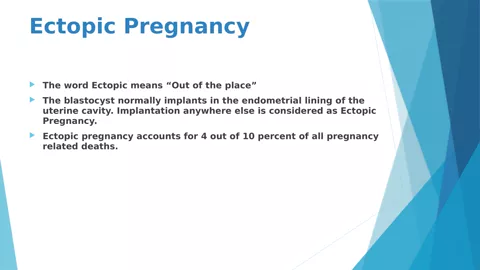
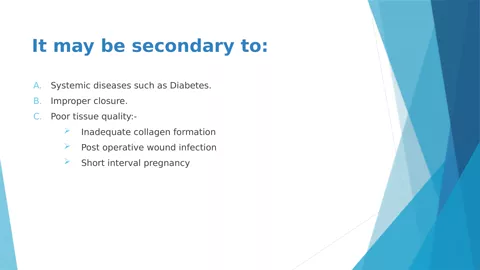
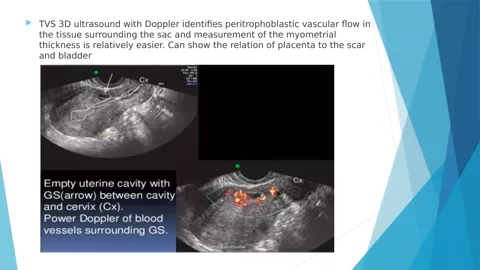
Caesarean_Scar_Ectopic_Training.pptx
1.7 MB · the untouched source file
Download the deck
Output
Narrated training video
MP4 · 720p
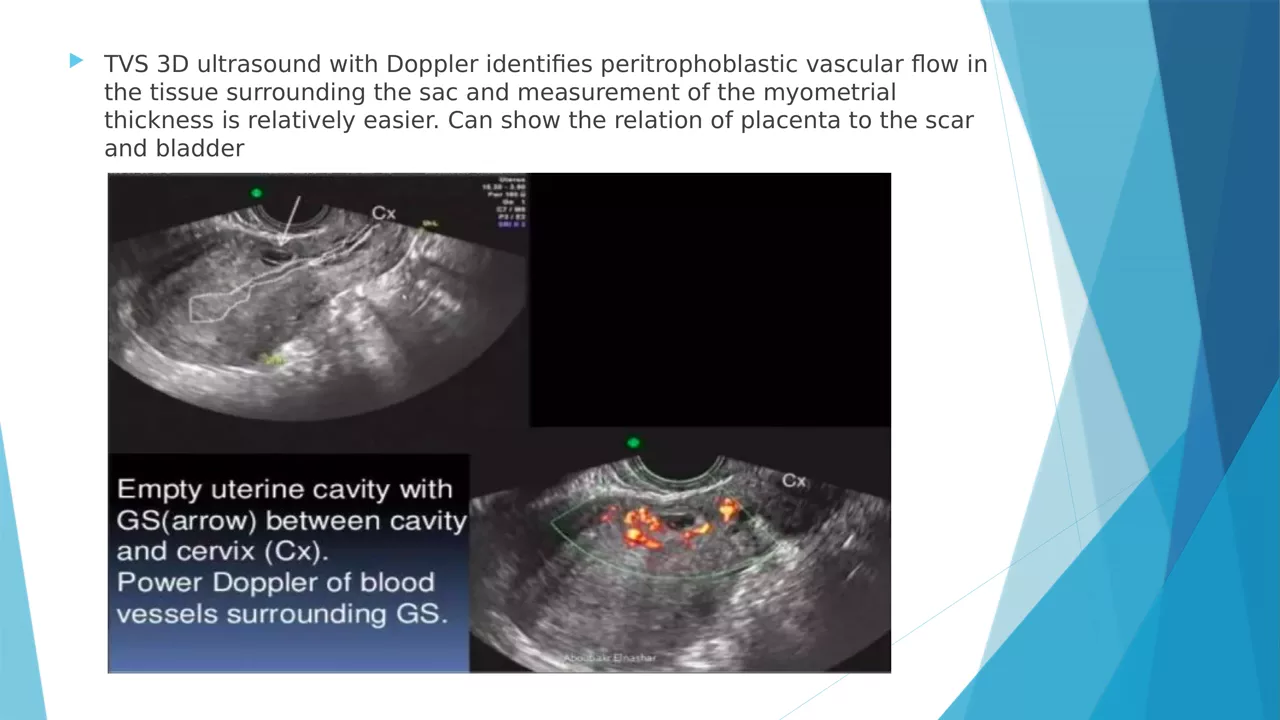
17:53
AI narration
Narrated end to end with an Unmixr AI voice
Every line stayed editable before export
Start from slides PPTXPPTPDF
Or from a document PDFDOCXEPUBTXTMarkdownHTML
1 Your source becomes the script
Upload a deck or a document — Unmixr reads it and drafts narration section by section. Rewrite any line before a word is voiced.
2 Pick the teaching voice
A voice for every use case, with pitch, speed, and emphasis you can tune per sentence or per term.
3 Captions and transcript
SRT and VTT subtitles plus a full transcript come out of the same project — ready for your LMS.
4 Localize the course
Dub the finished lesson into 100+ languages without rebuilding a single slide.
Four steps, and the module is in your LMS.
Built around how learning teams actually ship: write the lesson, cast the voice, direct it for comprehension, and export the audio, video, captions, and transcript together.
Bring in the lesson
Paste a lesson script, upload a document, or drop in the slide deck. Unmixr splits it into editable narration blocks that follow your lesson structure instead of one wall of text.
Lesson split into blocksCast the instructor voice
Audition voices on your own script — there is one for every teaching style — or clone an approved instructor voice with their consent so the whole curriculum matches.
One voice for the curriculumDirect it for comprehension
Slow the definition, pause after the question, emphasize the words that carry the learning objective, and teach the studio how your acronyms and clinical terms are pronounced.
Pacing built for learningPublish with captions
Export MP3, MP4, SRT and VTT captions, and a transcript from the same project — then regenerate a single line the next time the policy or the interface changes.
Accessible by default
Course localization
One recorded session, every region's version.
A single on-camera training clip, dubbed with Unmixr. Switch languages while it plays and judge the timing, tone, and pronunciation the way your regional reviewers will.
app.unmixr.com/dubbing
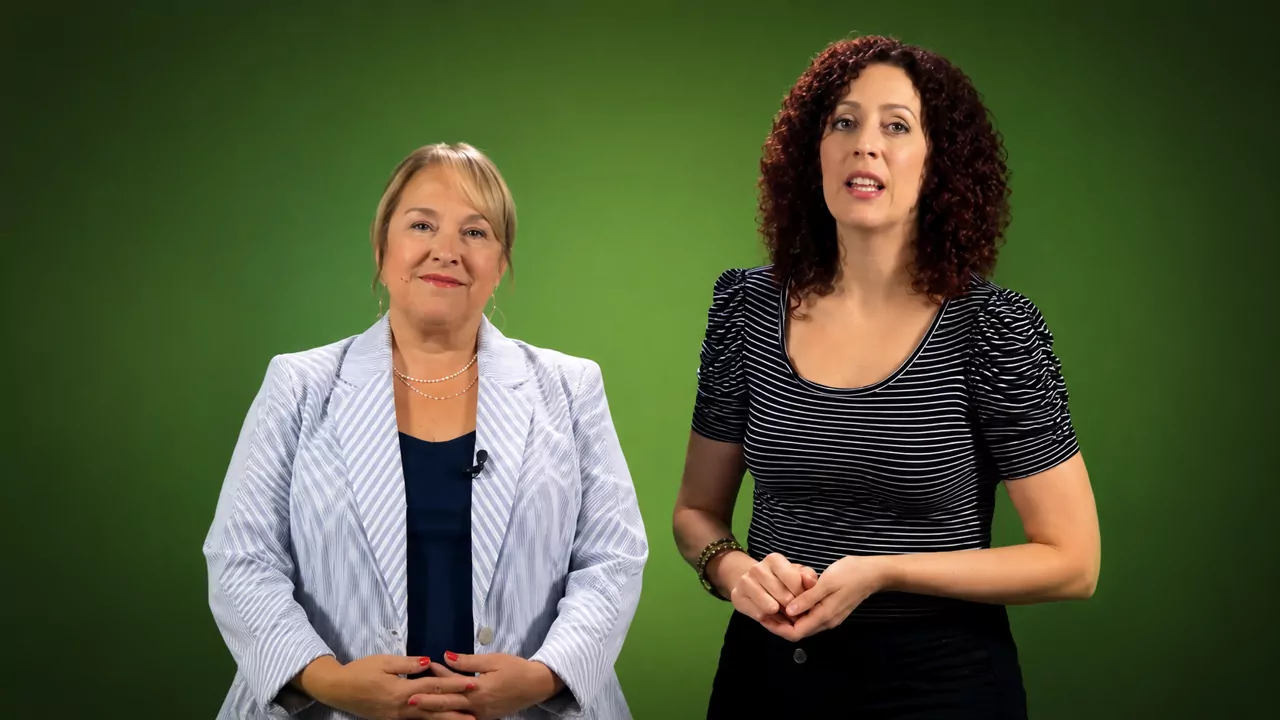 English
Hear it in:
Every kind of lesson your team has to ship.
The same project handles the required module nobody can skip and the tutorial that changes every release — because updating narration costs an edit, not a recording day.
LMS module narration
Narrate every module in your LMS with one recognizable voice — onboarding paths, annual refreshers, and the elective nobody has updated since launch.
See course narration →Compliance and policy modules
Keep required training current: change the clause, regenerate the affected lines, and re-publish with matching captions the same afternoon the policy lands.
New-hire orientation
Give day-one content the same welcome every time, in every region, without asking a manager to re-record the tour each quarter.
Build training videos →Software tutorials and walkthroughs
Narrate product tours and guided tasks step by step — and when the interface moves, fix the two lines that describe it instead of the whole screen recording.
Scenario-based learning and role play
Give each character in a branching scenario a distinct voice, so a simulated call sounds like two people and the learner's decision actually feels real.
Localized course versions
Publish the same module for every region: translated narration, translated subtitles, and the teaching tone your learners already trust.
Localize course videos →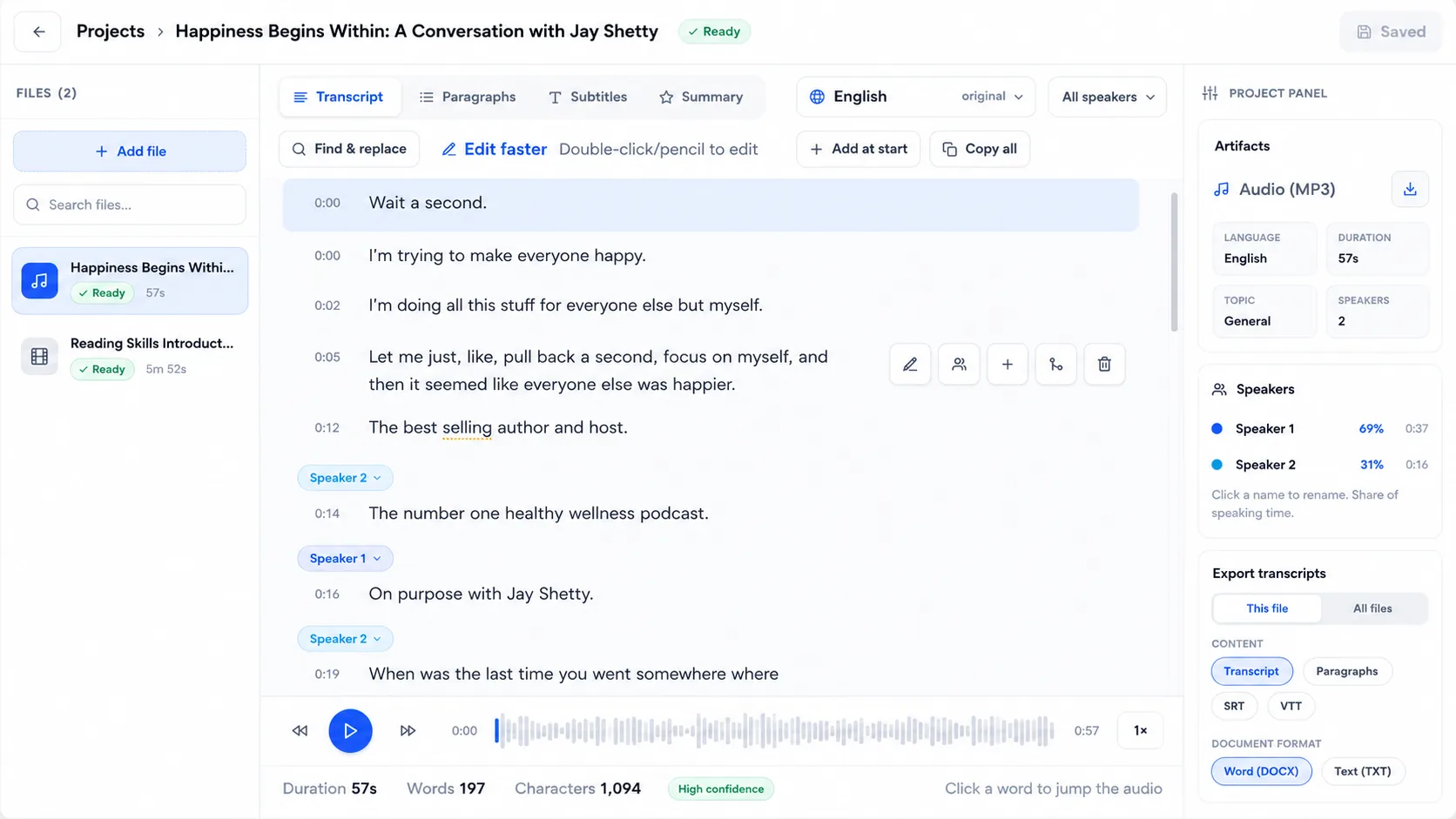
Accessible by default
Captions and transcripts ship with the lesson.
Accessibility stops being a separate project when the caption file comes out of the same export as the audio. Every module leaves with the artifacts your reviewers ask for.
- SRT and VTT captions generated alongside the narration, not after it
- A full lesson transcript for search, review, and translation
- Spoken versions of text-heavy handbooks and reading assignments
- Pacing you control, so a dense passage is never rushed past a learner
The controls a lesson needs — not just a voice button.
Narration is a teaching decision. These are the controls that separate a module learners finish from an audio file nobody listens to twice.
An instructional tone — and the same one every time
Clear, confident, and easy to stay with for twenty minutes. Audition candidates on your real lesson script, then lock that voice for the whole catalog so the module you add next year still matches the one learners started with.
Pacing and pause control
Slow the definition, hold a beat after the question, and move briskly through the recap. Attention lands where the learning objective is, not where the script happens to end.
Pronunciation for your jargon
Teach it an acronym, a drug name, a product name, or an internal term once, and every lesson in the project says it the way your subject-matter expert does.
Fits the tools you already author in
Take MP3 audio per lesson block into your authoring tool, or a finished MP4 module with captions straight into the LMS. Nothing here asks you to rebuild the course somewhere else.
Slide decks become modules
Your deck library is already a course library. Upload the PPTX, narrate every slide, and export a video lesson — the demo above is a real deck published exactly that way.
Updates without re-recording
Change the line, regenerate the line. A policy revision or a renamed button becomes a five-minute edit instead of rebooking the voice talent who read module three.
One project, every deliverable
Everything the module needs to go live.
Course production usually means a voice tool, a caption tool, a video tool, and a translation vendor. Here the lesson script produces all of it, and every output stays editable.
MP3 lesson audio
MP4 video lesson
SRT subtitles
VTT captions
Lesson transcript
Slide-synced narration
Pronunciation rules
Multi-voice scenarios
Translated narration
Translated subtitles
100+ languages
150+ accents
The rest of the learning workflow.
E-learning voiceover is one job in a bigger production line. These pages cover the ones that usually come next.
Course narration
Long-form narration for full courses, kept consistent from the intro to the final quiz.
Explore →Training video maker
Turn scripts and decks into narrated, captioned training videos ready for your LMS.
Explore →PowerPoint to video
Narrate an existing deck slide by slide and export it as a finished video lesson.
Explore →Course localization
Transcribe, translate, subtitle, and dub existing course videos for every region.
Explore →
Start with the lesson you already wrote
Narrate your first lesson free
Ship your next module with a voice learners stay with.
Narrate it, caption it, localize it, and update it as fast as your content changes — from one project, in the browser.
Still have a question?
If you have a specific use case or need help configuring a custom workflow, our team is always here for you. We would love to listen to your needs!